Smart Control with SmartThings
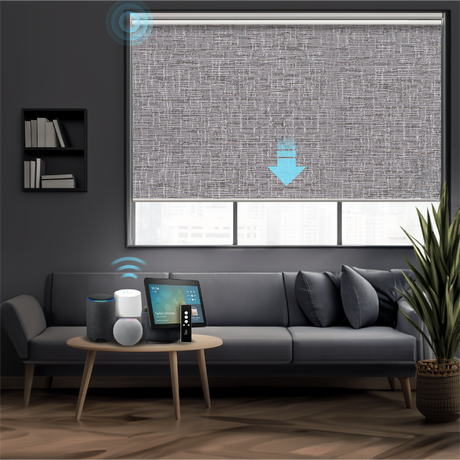
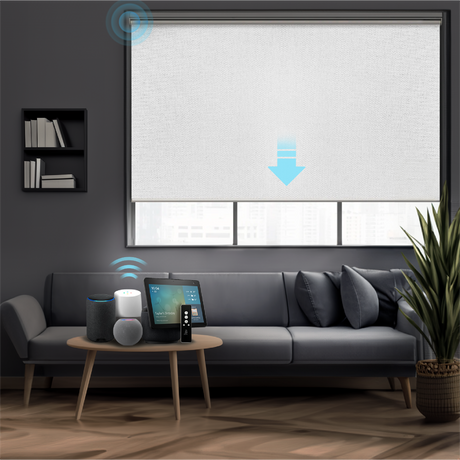
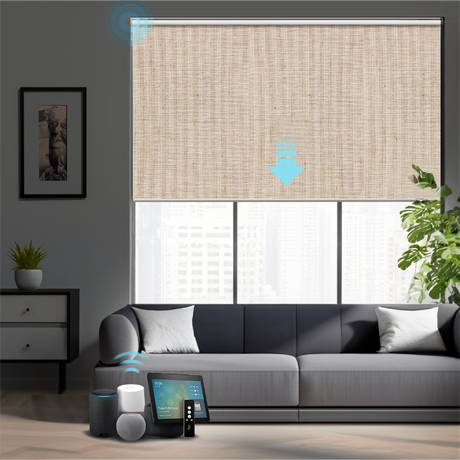
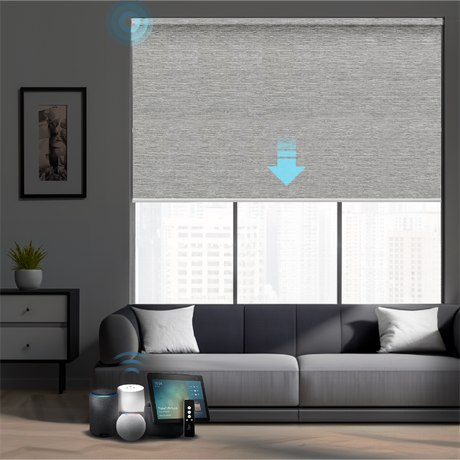
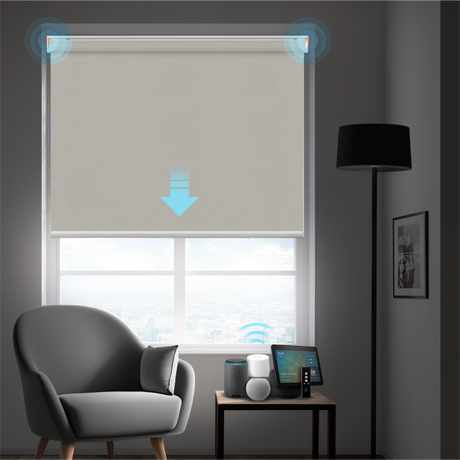
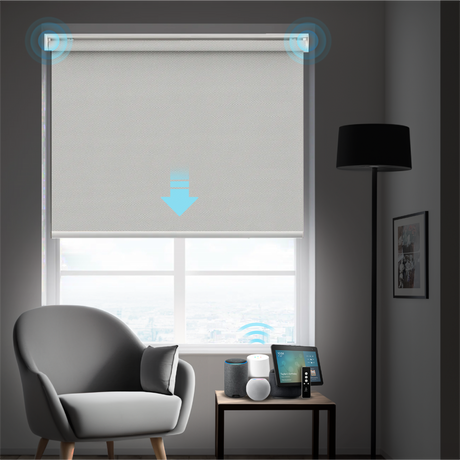
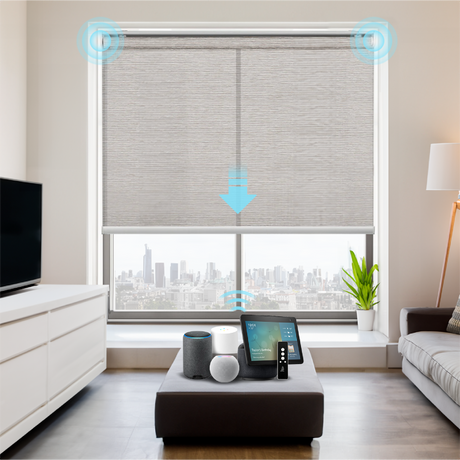
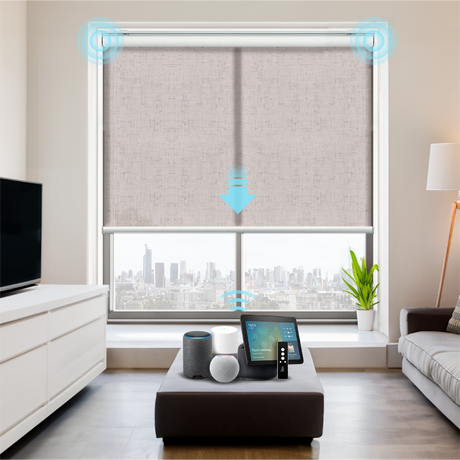
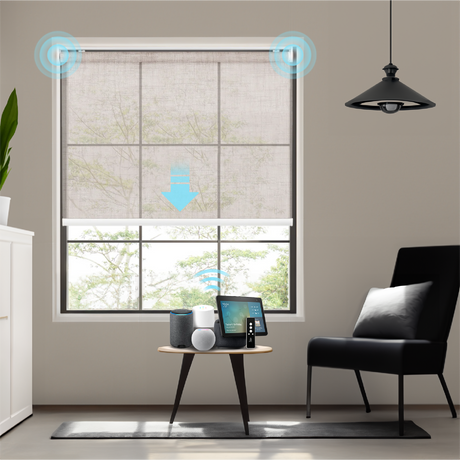
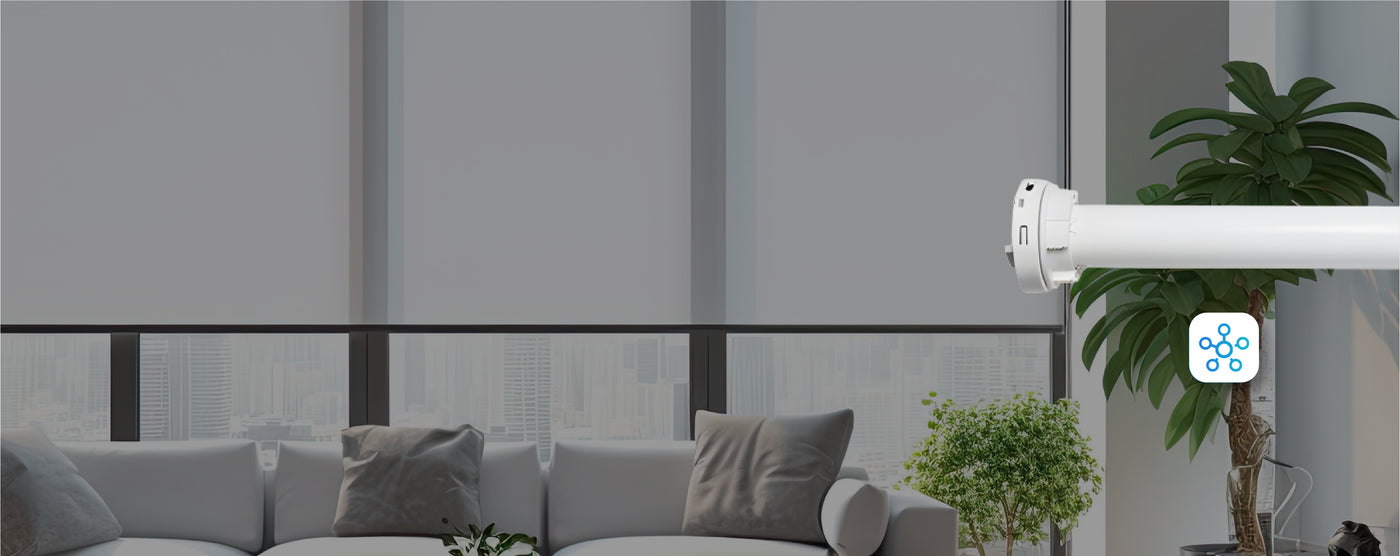
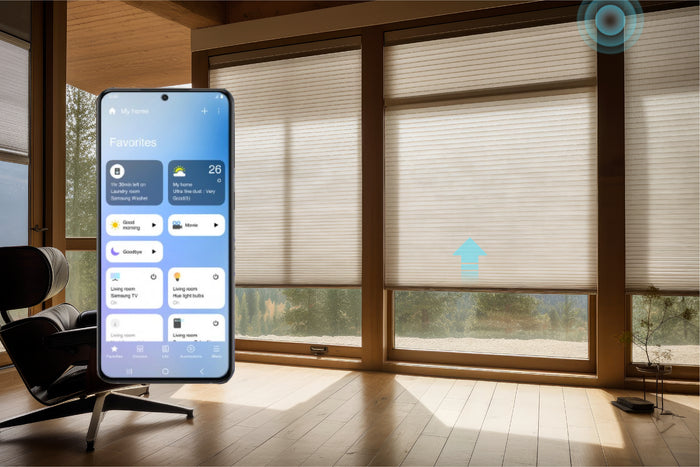
Integrate your Beasen motorized shades with Samsung SmartThings for powerful app control, advanced automation, and seamless compatibility across all motor types.
![]()
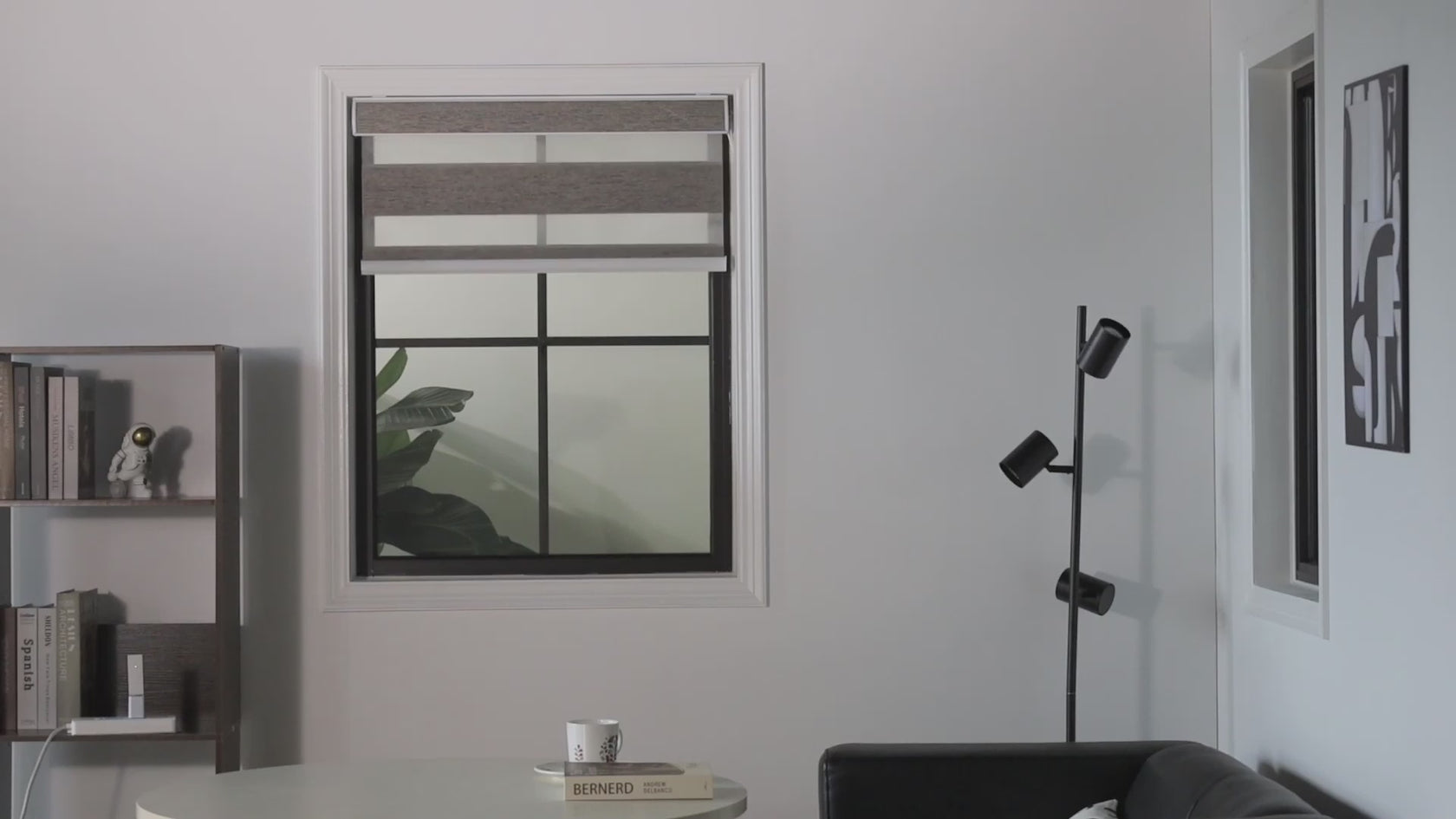
Precise Light Control
Use your SmartThings app to adjust your blinds to 0%, 50%, or 100% closed for more precise light control.
![]()
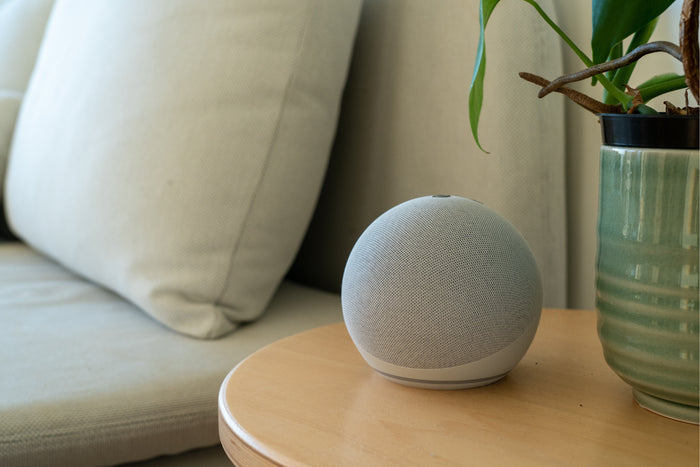
Voice Control
Manage and monitor your shades anytime through the intuitive SmartThings app.
![]()
Multi-Motor Support
Works seamlessly with Zigbee, Z-Wave, and Matter motors for maximum flexibility.

Highlights
![]()
Whole-Home Control
Operate individual rooms or all shades across your home from one platform.
![]()
Custom Routines
Build personalized automations triggered by time, sunrise, sunset, or other devices.
![]()
Energy Optimization
Automatically adjust shading to maximize natural light and reduce energy use.
![]()
Fast Response
Enjoy quick, stable performance with SmartThings Edge Device Drivers.


Setup Guide
![]()
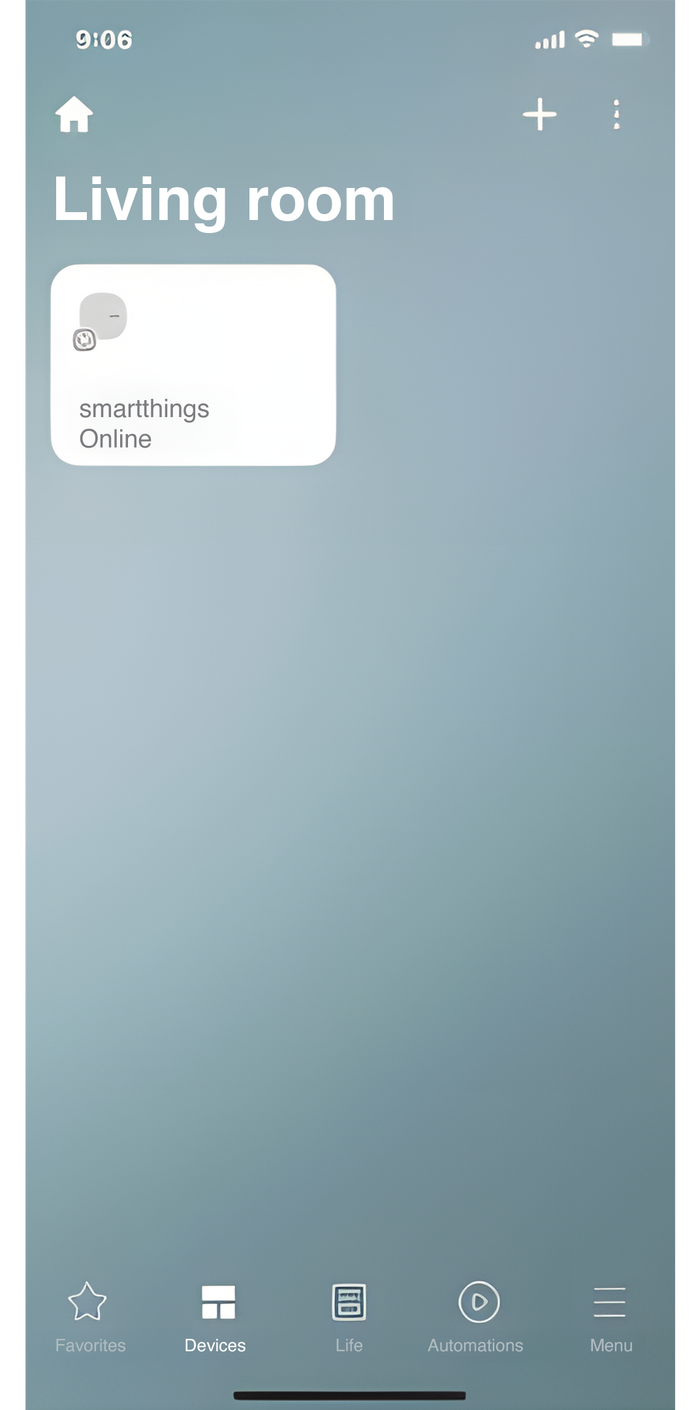
Open the SmartThings app. On the SmartThings, Device screen, select the (+) icon
![]()
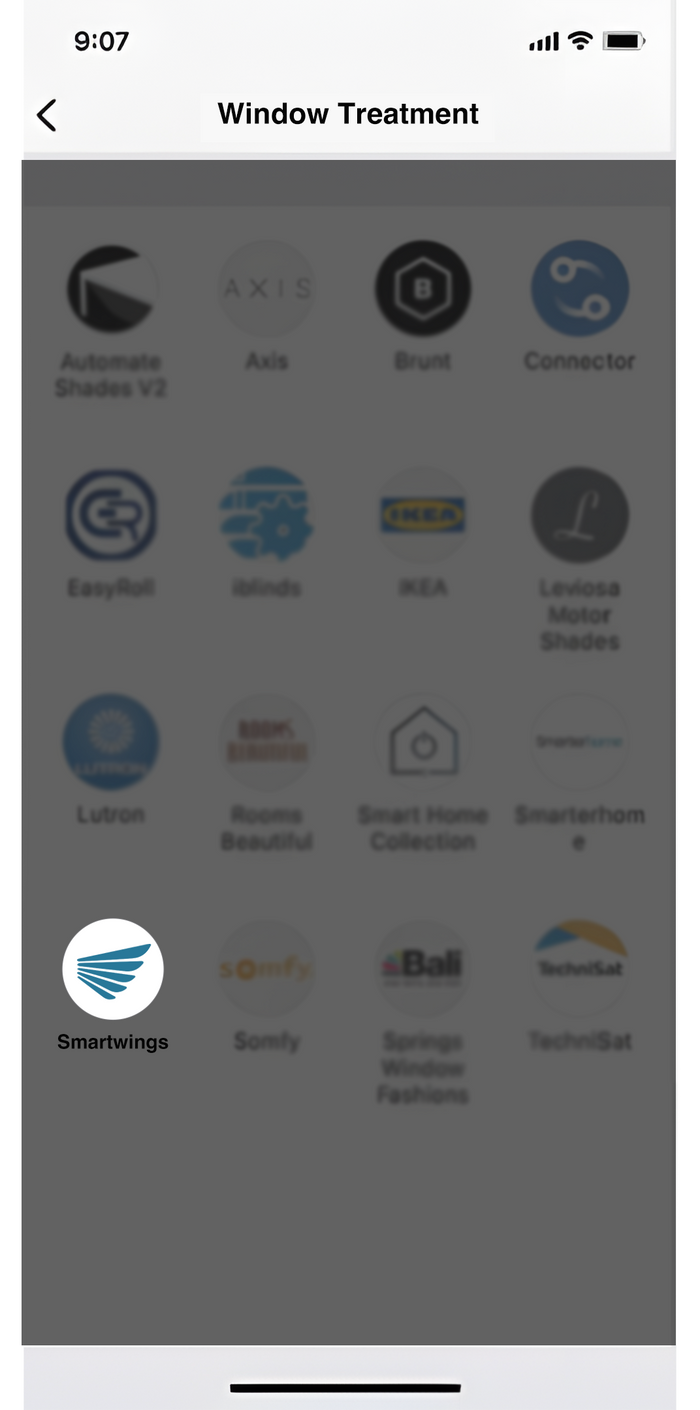
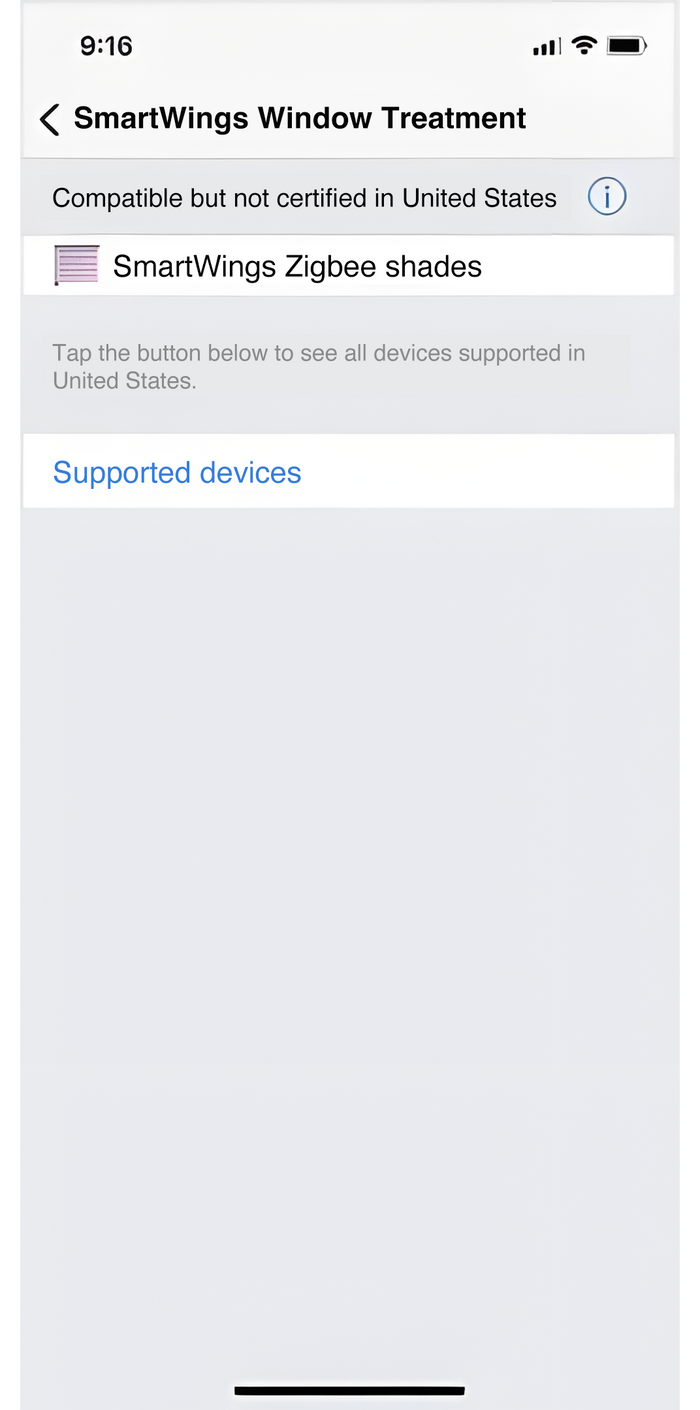
Select your Beasen Home Blinds
![]()
Click "DISCOVER DEVICES"
![]()
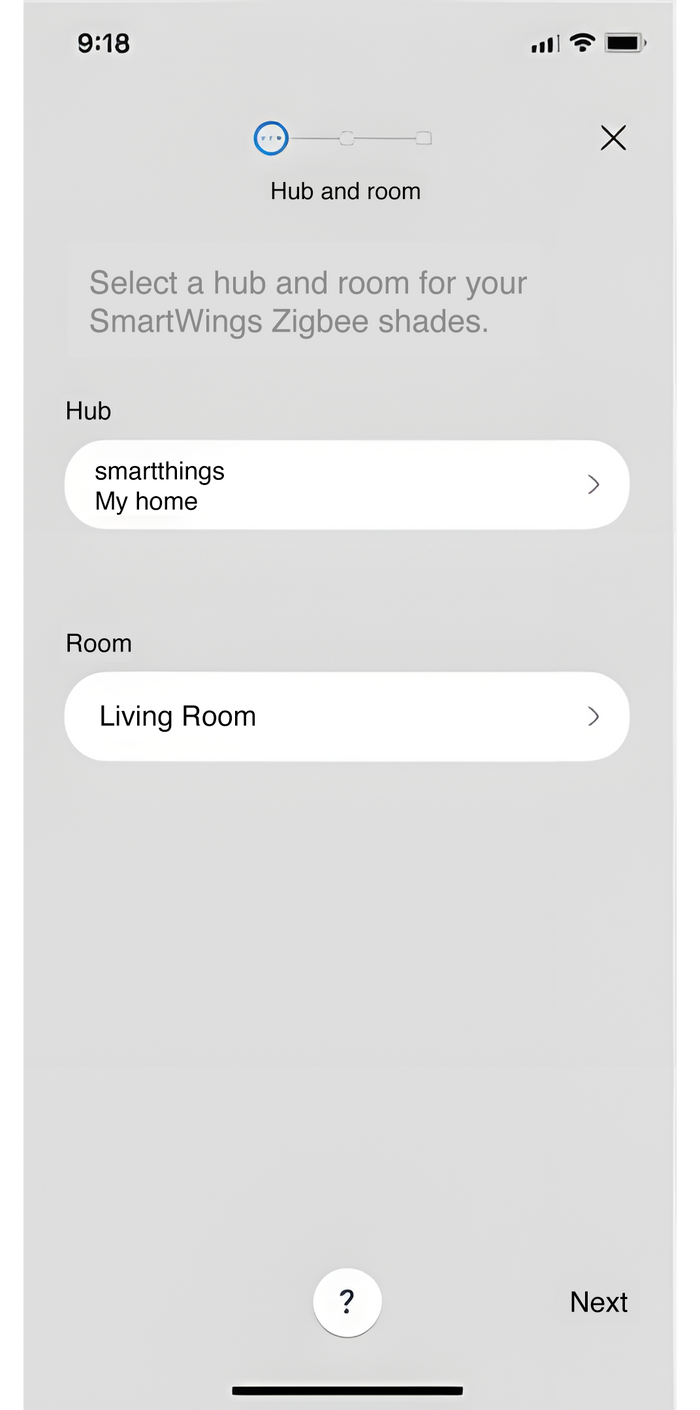
Choose your Shade location
![]()
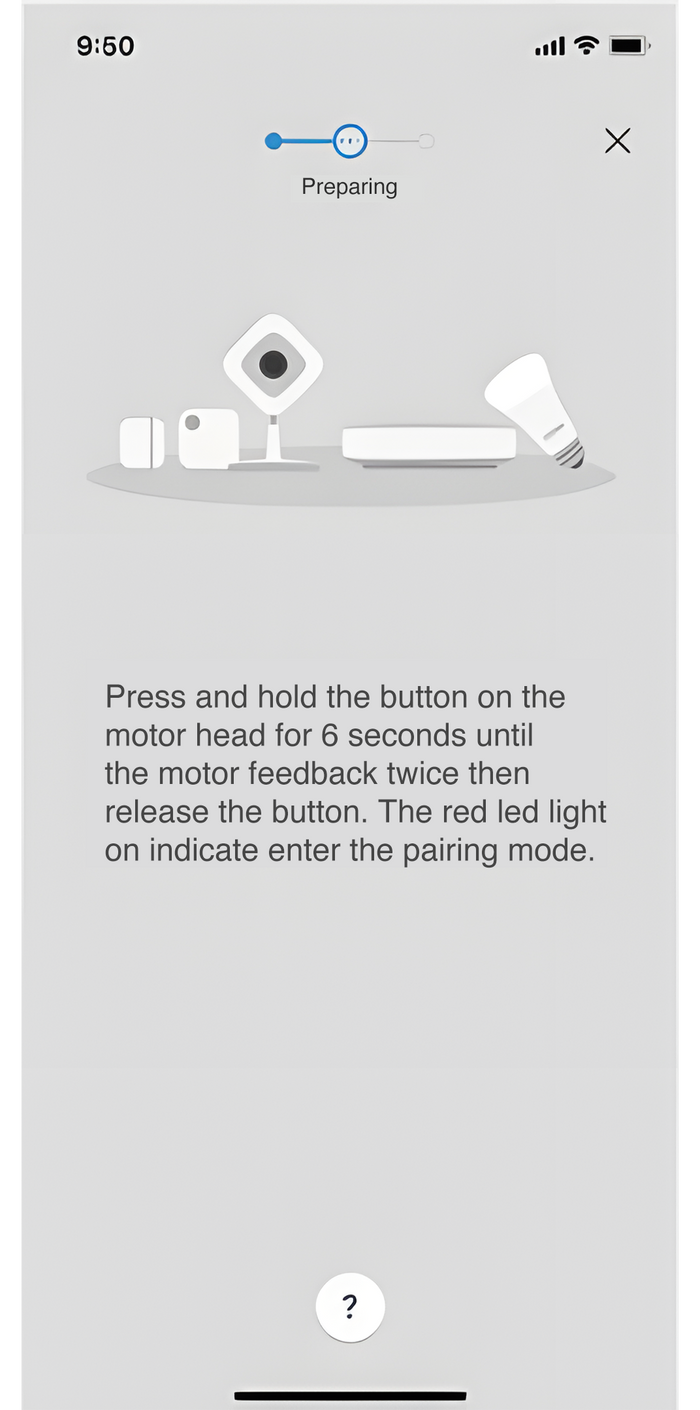
Pair your smart blinds
Things to Know
Which motor should I select to use with my SmartThings App?
Which motor should I select to use with my SmartThings App?
You should select the Zigbee motor to sync to your SmartThings app.
Do I need a bridge or gateway to connect my SmartThings App to the blinds?
Do I need a bridge or gateway to connect my SmartThings App to the blinds?
Yes, you need the SmartThings Hub directly connected via Zigbee to add shades to the SmartThings App.
How do I program my blinds to my SmartThings App?
How do I program my blinds to my SmartThings App?
Pleae refer to our SmartThings Programming Guide for step-by-step instructions
Can I link my SmartThings app to Google Assistant?
Can I link my SmartThings app to Google Assistant?
Yes, you can control your blinds with Google Assistant devices. You must sync the devices through the SmartThings app.
-

![Smart Motorized Roller Shades 100% Blackout Safari - Beasen]()
![Smart Motorized Roller Shades 100% Blackout Safari - Beasen]()
![Smart Motorized Roller Shades 100% Blackout Safari - Beasen]()
![Smart Motorized Roller Shades 100% Blackout Safari - Beasen]()
![Smart Motorized Roller Shades 100% Blackout Safari - Beasen]()
![Smart Motorized Roller Shades 100% Blackout Safari - Beasen]()
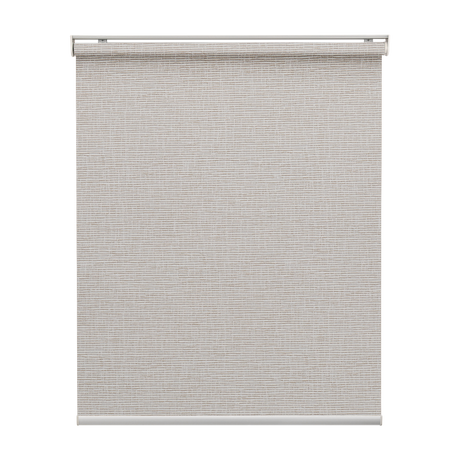
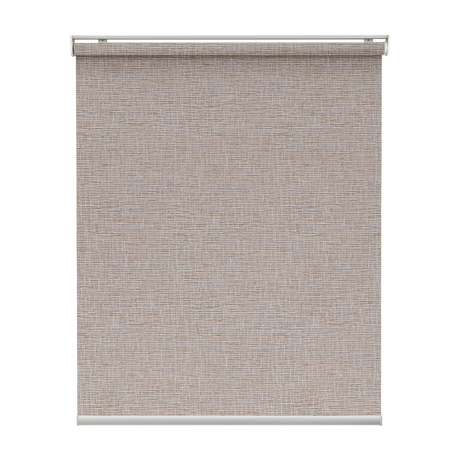
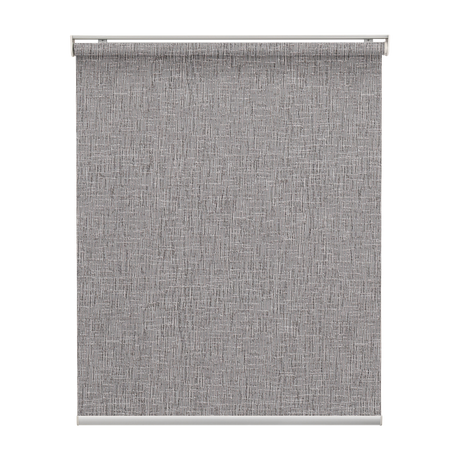
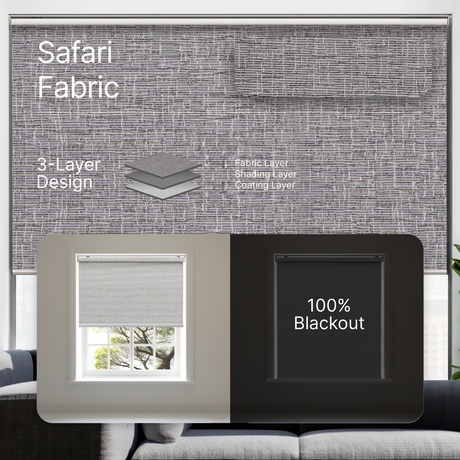
Smart Motorized Roller Shades 100% Blackout Safari
Price $169.99$339.9850% offUnit price /Unavailable+2 -
![Smart Motorized Roller Shades 100% Blackout Essential]()
![Smart Motorized Roller Shades 100% Blackout Essential]()
![Smart Motorized Roller Shades 100% Blackout Essential]()
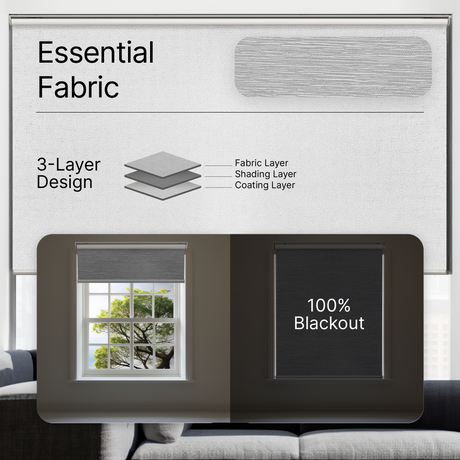
Smart Motorized Roller Shades 100% Blackout Essential
Price $159.99$319.9850% offUnit price /Unavailable -
![Smart Motorized Roller Shades 100% Blackout Linen]()
![Smart Motorized Roller Shades 100% Blackout Linen]()
![Smart Motorized Roller Shades 100% Blackout Linen]()
Smart Motorized Roller Shades 100% Blackout Linen
Price $179.99$299.9940% offUnit price /Unavailable -
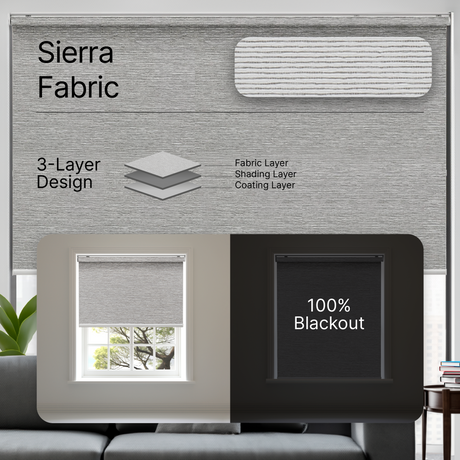
![Smart Motorized Roller Shades 100% Blackout Sierra]()
![Smart Motorized Roller Shades 100% Blackout Sierra]()
![Smart Motorized Roller Shades 100% Blackout Sierra]()
![Smart Motorized Roller Shades 100% Blackout Sierra]()
![Smart Motorized Roller Shades 100% Blackout Sierra]()
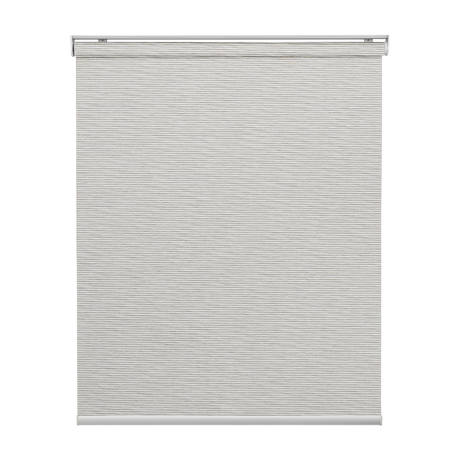
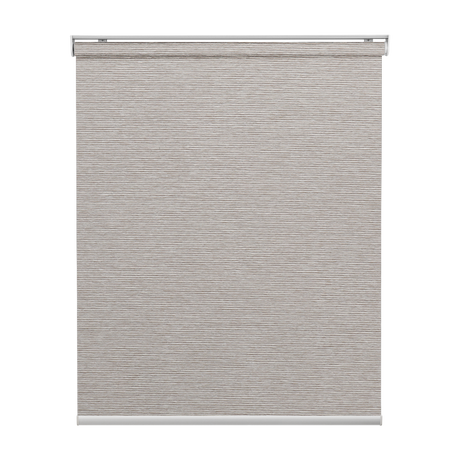
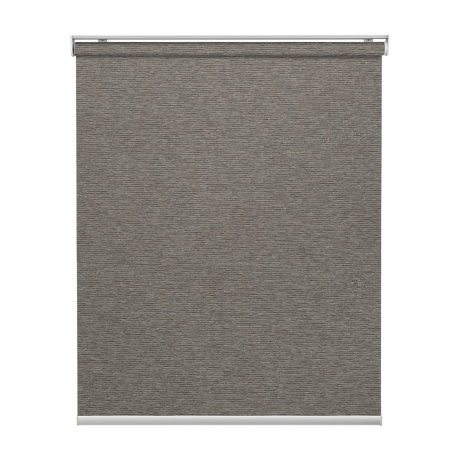
Smart Motorized Roller Shades 100% Blackout Sierra
Price $169.99$339.9850% offUnit price /Unavailable+1 -
![Smart Motorized Roller Shades 100% Blackout Meridian]()
![Smart Motorized Roller Shades 100% Blackout Meridian]()
![Smart Motorized Roller Shades 100% Blackout Meridian]()
![Smart Motorized Roller Shades 100% Blackout Meridian]()
![Smart Motorized Roller Shades 100% Blackout Meridian]()
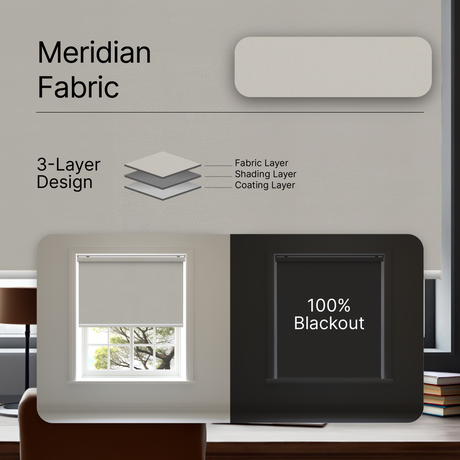
Smart Motorized Roller Shades 100% Blackout Meridian
Price $199.99$333.3240% offUnit price /Unavailable+1 -
![Smart Motorized Roller Shades 100% Blackout Vinyl]()
![Smart Motorized Roller Shades 100% Blackout Vinyl]()
![Smart Motorized Roller Shades 100% Blackout Vinyl]()
![Smart Motorized Roller Shades 100% Blackout Vinyl]()
Smart Motorized Roller Shades 100% Blackout Vinyl
Price $159.99$266.6540% offUnit price /Unavailable -
![Smart Motorized Light Filtering Roller Shades 50% Blackout Sierra Translucent]()
![Smart Motorized Light Filtering Roller Shades 50% Blackout Sierra Translucent]()
![Smart Motorized Light Filtering Roller Shades 50% Blackout Sierra Translucent]()
![Smart Motorized Light Filtering Roller Shades 50% Blackout Sierra Translucent]()
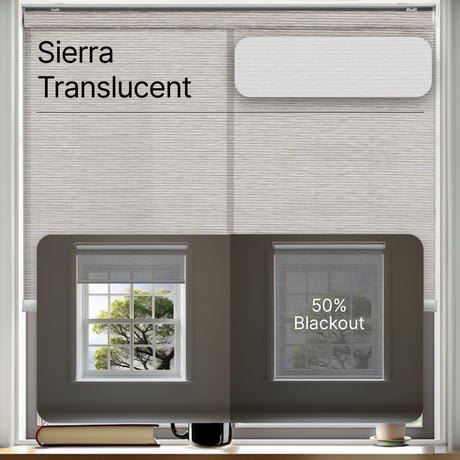
Smart Motorized Light Filtering Roller Shades 50% Blackout Sierra Translucent
Price $189.99$379.9850% offUnit price /Unavailable -
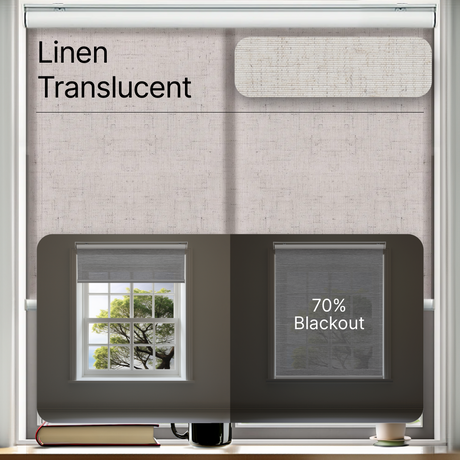
![Smart Motorized Light Filtering Roller Shades 70% Blackout Linen Translucent]()
![Smart Motorized Light Filtering Roller Shades 70% Blackout Linen Translucent]()
![Smart Motorized Light Filtering Roller Shades 70% Blackout Linen Translucent]()
Smart Motorized Light Filtering Roller Shades 70% Blackout Linen Translucent
Price $149.99$299.9850% offUnit price /Unavailable -
![Smart Motorized Light Filtering Sheer Roller Shades Translucent Vision]()
![Smart Motorized Light Filtering Sheer Roller Shades Translucent Vision]()
![Smart Motorized Light Filtering Sheer Roller Shades Translucent Vision]()
![Smart Motorized Light Filtering Sheer Roller Shades Translucent Vision]()
Smart Motorized Light Filtering Sheer Roller Shades Translucent Vision
Price $199.99$333.3240% offUnit price /Unavailable