
Smart Motorized Cellular Shades

![Smart Motorized Blackout Cellular Shades Hex]()
![Smart Motorized Blackout Cellular Shades Hex]()
![Smart Motorized Blackout Cellular Shades Hex]()
![Smart Motorized Blackout Cellular Shades Hex]()
 New arrival
-
![Smart Motorized Light Filtering Cellular Shades Hex]()
![Smart Motorized Light Filtering Cellular Shades Hex]()
![Smart Motorized Light Filtering Cellular Shades Hex]()
![Smart Motorized Light Filtering Cellular Shades Hex]()
![Smart Motorized Light Filtering Cellular Shades Hex]()
![Smart Motorized Light Filtering Cellular Shades Hex]()
![Smart Motorized Light Filtering Cellular Shades Hex]() New arrival
Smart Motorized Light Filtering Cellular Shades Hex
Price $169.99$339.9850% offUnit price /Unavailable -
New arrival
Smart Motorized Blackout Cellular Shades Eoza
Price $199.99$333.3240% offUnit price /Unavailable -
New arrival
Smart Motorized Light Filtering Cellular Shades Eoza
Price $189.99$316.6540% offUnit price /Unavailable -
New arrival
Smart Motorized Skylight Cellular Shades Hex
Price $389.99$649.9840% offUnit price /Unavailable -
![Smart Motorized Light Filtering Arched Cellular Shades Eoza]()
![Smart Motorized Light Filtering Arched Cellular Shades Eoza]()
![Smart Motorized Light Filtering Arched Cellular Shades Eoza]()
![Smart Motorized Light Filtering Arched Cellular Shades Eoza]()
![Smart Motorized Light Filtering Arched Cellular Shades Eoza]()
![Smart Motorized Light Filtering Arched Cellular Shades Eoza]() New arrival
Smart Motorized Light Filtering Arched Cellular Shades Eoza
Price $389.00$648.3440% offUnit price /Unavailable -
![Smart Motorized Blackout Trapezoid Cellular Shades Eoza]()
![Smart Motorized Blackout Trapezoid Cellular Shades Eoza]()
![Smart Motorized Blackout Trapezoid Cellular Shades Eoza]()
![Smart Motorized Blackout Trapezoid Cellular Shades Eoza]()
![Smart Motorized Blackout Trapezoid Cellular Shades Eoza]()
![Smart Motorized Blackout Trapezoid Cellular Shades Eoza]() New arrival
Smart Motorized Blackout Trapezoid Cellular Shades Eoza
Price $399.00$665.0040% offUnit price /Unavailable -
![Smart Motorized Light Filtering Trapezoid Cellular Shades Eoza]()
![Smart Motorized Light Filtering Trapezoid Cellular Shades Eoza]()
![Smart Motorized Light Filtering Trapezoid Cellular Shades Eoza]()
![Smart Motorized Light Filtering Trapezoid Cellular Shades Eoza]()
![Smart Motorized Light Filtering Trapezoid Cellular Shades Eoza]()
![Smart Motorized Light Filtering Trapezoid Cellular Shades Eoza]() New arrival
Smart Motorized Light Filtering Trapezoid Cellular Shades Eoza
Price $389.00$648.3440% offUnit price /Unavailable -
New arrival
Smart Motorized Day/Night Skylight Cellular Shades Hex
Price $549.99$916.6540% offUnit price /Unavailable -
New arrival
Smart Motorized Levitate Skylight Cellular Shades Hex
Price $499.99$833.3240% offUnit price /Unavailable -
![Smart Motorized Light Filtering Cellular Shades Solin]()
![Smart Motorized Light Filtering Cellular Shades Solin]()
![Smart Motorized Light Filtering Cellular Shades Solin]()
![Smart Motorized Light Filtering Cellular Shades Solin]()
![Smart Motorized Light Filtering Cellular Shades Solin]()
![Smart Motorized Light Filtering Cellular Shades Solin]()
![Smart Motorized Light Filtering Cellular Shades Solin]()
![Smart Motorized Light Filtering Cellular Shades Solin]() New arrival
Smart Motorized Light Filtering Cellular Shades Solin
Price $199.99$333.3240% offUnit price /Unavailable+1


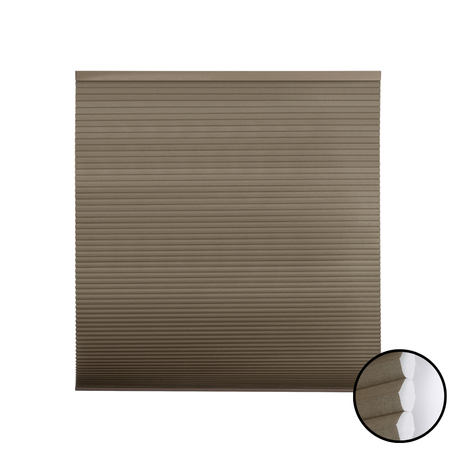
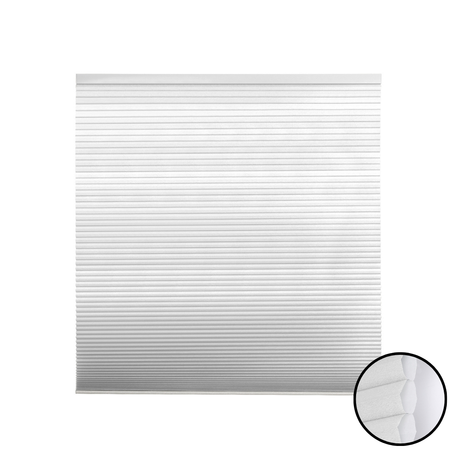
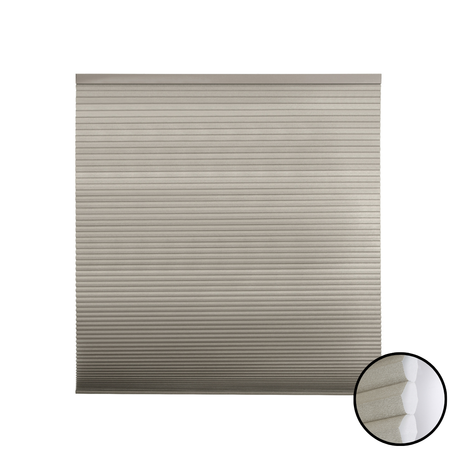
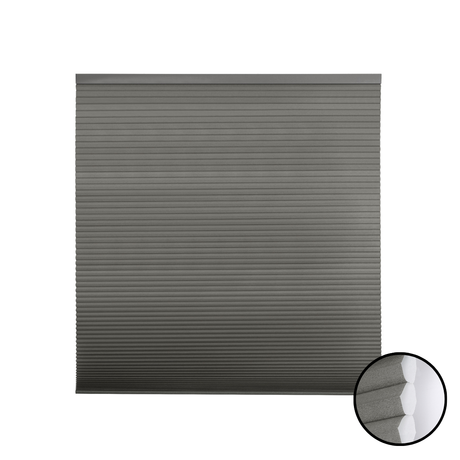


Show collection description
If you have ever put your hand near a window in winter and felt the cold pushing through or watched your AC run nonstop on a summer afternoon - you already know the problem. Your windows are one of the biggest reasons your home loses heat in winter and gains it in summer. The U.S. Department of Energy estimates that windows account for 25–30% of residential heating and cooling energy use.
That is exactly the problem smart motorized cellular shades are built to fix.
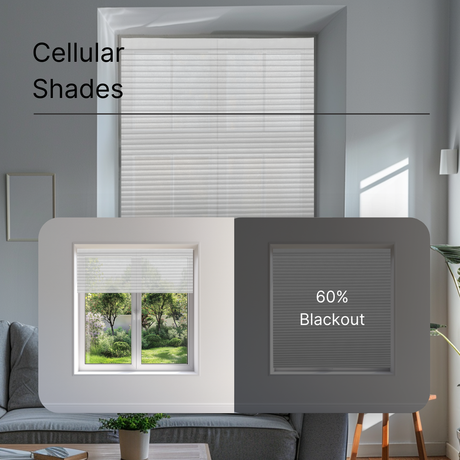
They combine a honeycomb fabric structure (which traps air and insulates your windows) with a quiet motor that opens and closes them on command - through your phone, your voice, or on a schedule you set once and forget.
No cords. No daily fussing. Just better comfort, lower energy bills, and a cleaner look on every window.
What Makes Cellular Shades Different from Other Window Treatments?
Most shades are a single layer of fabric hanging in front of your window. Cellular shades are different because of what is happening inside the fabric.
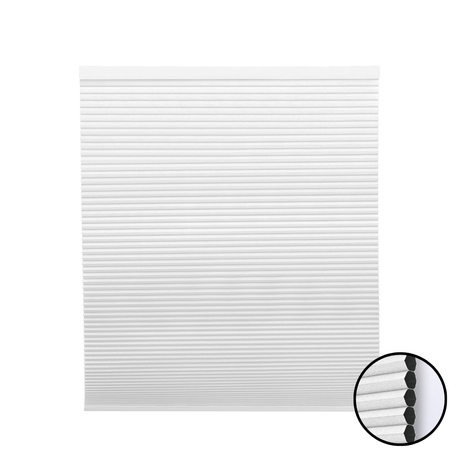
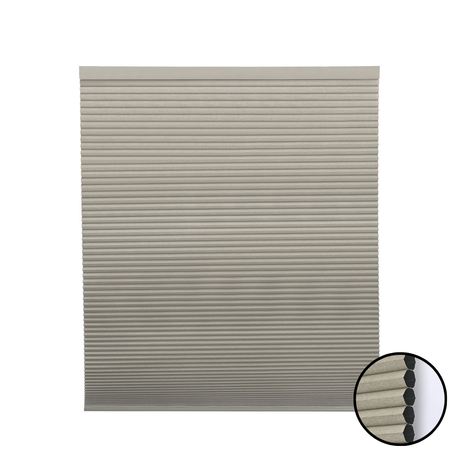
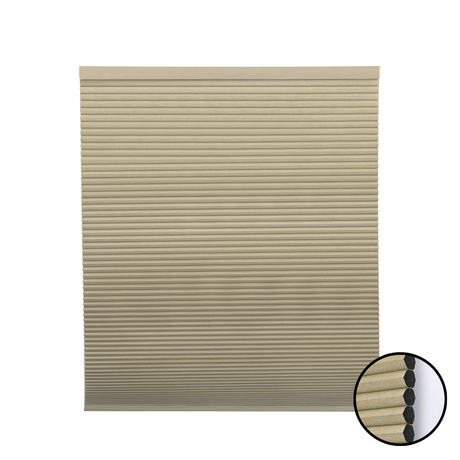
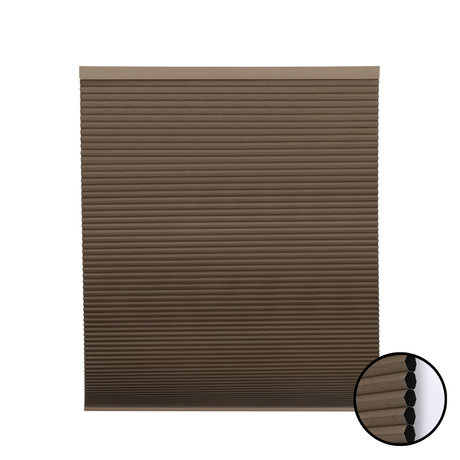
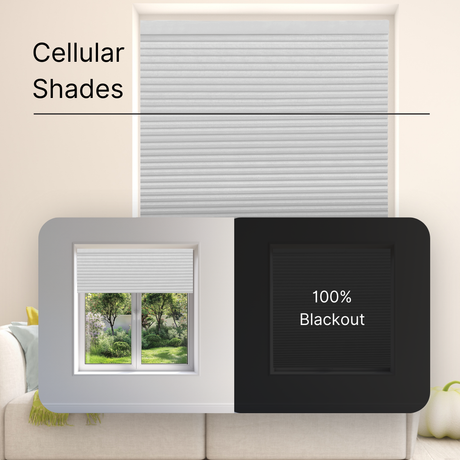
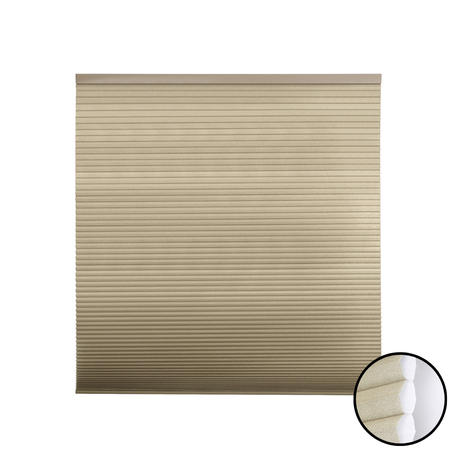
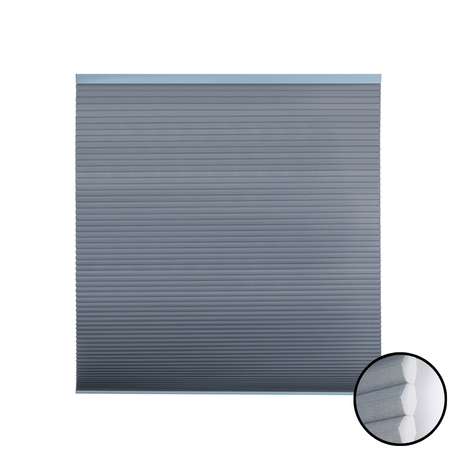
When you look at a cellular shade from the side, you will see honeycomb-shaped pockets - small air chambers running the full width of the shade. Those pockets trap still air, and still air is one of the best natural insulators there is. That is why cellular shades are sometimes called honeycomb shades. The name comes from the structure, not the material.
This honeycomb layer sits between your window glass and your room, acting as a buffer. It slows down heat transfer in both directions - keeping warm air inside during winter and blocking hot air from getting in during summer. If you want a deeper look at how the construction works, our guide on what honeycomb cellular shades are and how they work covers it in detail.
Why Go Motorized?
A cellular shade only insulates when it is closed. That sounds obvious, but it matters more than most people think. If your shades stay open all day because nobody is home to close them, you are not getting any insulation benefit. And if you have windows that are hard to reach - above a staircase, behind furniture, or up on a skylight - manually adjusting them is not realistic.
That is where the motor changes things. With a motorized cellular shade, you can:
- Set daily schedules - shades close automatically when the afternoon sun hits your windows and open again in the morning.
- Control everything from your phone - no need to walk to every window in the house.
- Use voice commands - tell Alexa, Google Assistant, or Siri to close the shades without getting off the couch.
- Group multiple shades - close every shade on the west side of the house with a single tap.
The motor runs on a rechargeable battery, so there is no wiring to deal with. You charge it a few times a year, and that is it. For a full breakdown of how motorized shades are powered and which option fits your setup, check our guide on battery vs. wired vs. solar-powered shades.
Light Filtering or Blackout - Which One Do You Need?
This is the first decision most people need to make, and it comes down to what you want the shade to do in that specific room.
Light filtering cellular shades let soft, diffused daylight into the room while blocking the view from outside. You still get natural light - it just comes through evenly without harsh glare or hot spots.
They work well in:
- Living rooms where you want brightness without direct sun
- Kitchens and dining areas where natural light matters
- Home offices where you need to cut screen glare but still see
Browse our Smart Motorized Light Filtering Cellular Shades Hex or the Light Filtering Cellular Shades Eoza to see the fabric options.
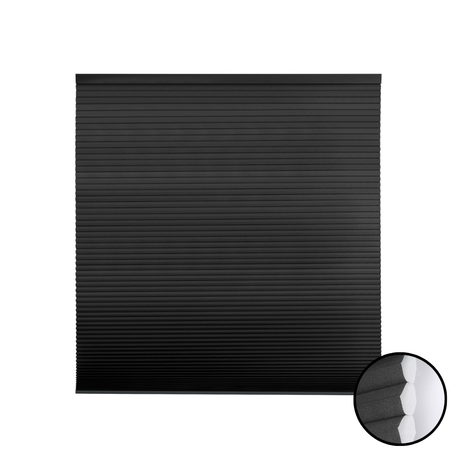
Blackout cellular shades block virtually all incoming light. They are made with an opaque layer inside the honeycomb pocket that stops light from passing through the fabric itself.
They are the better pick for:
- Bedrooms (especially if you are a light sleeper or work night shifts)
- Nurseries and kids' rooms
- Home theaters or media rooms
Take a look at our Smart Motorized Blackout Cellular Shades Hex starting at $179.99, or the Blackout Cellular Shades Eoza if you want a slightly different fabric texture.
Not sure which one fits your situation? Our light filtering vs. blackout comparison walks through it room by room.
Smart Home Integration - Works with the Platforms You Already Use
One of the biggest advantages of going motorized is that your shades become part of your smart home - not a separate thing you manage on their own.
Our cellular shades work with:
- Apple HomeKit - control through the Home app or Siri
- Amazon Alexa - voice commands and Alexa routines
- Google Home - Google Assistant voice control and automations
- Samsung SmartThings - integrate with sensors and other devices
- Home Assistant and Hubitat - for the more hands-on smart home setups
This means you can build automations that actually save energy without you thinking about it. For example, you could set your shades to close when a temperature sensor reads above 78°F, or have them open at sunrise and close at sunset automatically.
We use Matter over Thread and Z-Wave 800 LR motor technology - two of the most reliable wireless protocols for smart home devices in 2026. Matter, in particular, is the new universal smart home standard backed by Apple, Google, Amazon, and Samsung, so your shades will not be locked into a single ecosystem.
For a step-by-step look at how our shades connect to Alexa, Google, and HomeKit, read our guide on smart home compatibility.
Energy Efficiency - Where Cellular Shades Outperform Everything Else
This is the one area where cellular shades genuinely pull ahead of every other shade type.
Roller shades, Roman shades, and zebra shades are all single-layer treatments. They block light, sure - but they do not create a thermal barrier. Cellular shades do, because of those air pockets we talked about earlier.
Here is what that actually means in practice:
- In winter, they reduce heat loss through windows by slowing down the cold air that pushes through the glass.
- In summer, they block radiant heat from the sun before it heats up your room.
- They lower the load on your HVAC system, which means it runs less and costs you less.
The difference is especially noticeable on older windows, single-pane glass, or any window that gets direct sun for several hours a day. If your home has drafty windows or you live somewhere with extreme temperatures, our best insulated window shades guide breaks down what to look for. And if you are comparing cellular shades against roller shades specifically, our cellular vs. roller comparison lays out the differences side by side.
Specialty Windows - Skylights, Arches, and Trapezoids
Standard rectangular windows are easy. But if your home has skylights, arched windows, or angled trapezoid windows, finding a shade that actually fits is a different challenge. Most brands only offer standard shapes. We build motorized cellular shades for all of them.
- Skylights: Overhead windows are impossible to reach by hand, so motorization is not a luxury here - it is a necessity. Our Skylight Cellular Shades Hex are built specifically for overhead mounting with a track system that keeps them in place. If you want both light filtering and blackout in a single shade, the Day/Night Skylight Cellular Shades give you both fabrics in one unit - just adjust the position to switch between them.
- Arched windows: The Light Filtering Arched Cellular Shades Eoza are custom-shaped to match the curve of your window. No more leaving the arch uncovered or rigging something that does not fit. For a broader look at covering arched windows, see our arched window treatment guide.
- Trapezoid windows: These oddly angled windows show up in lofts, A-frames, and stairwells. We offer both blackout and light filtering trapezoid cellular shades custom-built to your exact angles.
Child and Pet Safety - No Cords, No Worry
Traditional corded blinds are a known strangulation hazard for young children. The U.S. Consumer Product Safety Commission has documented serious injuries and fatalities linked to window covering cords over the years.
Every one of our motorized cellular shades is completely cordless. There are no dangling strings, no pull chains, no loop cords. The motor handles everything. This makes them one of the safest window covering options you can put in a home with small children or curious pets. No retrofit kits needed, no cord cleats to install - the hazard simply does not exist.
Noise Reduction - A Benefit Most People Don't Expect
The same air pockets that insulate your windows against heat also dampen sound.
Cellular shades will not soundproof a room - that takes much heavier treatment - but they do take the edge off outside noise. Street traffic, barking dogs, lawnmowers, and general neighborhood sound all come through a little softer.
This is particularly noticeable in bedrooms and home offices, especially if your windows face a busy street. If you are choosing between single-cell and double-cell shades, the double-cell option traps more air and absorbs slightly more sound. We cover the differences in detail in our single-cell vs. double-cell guide.
How to Pick the Right Cellular Shade for Your Room
Choosing the right shade does not have to be complicated. Here is a quick breakdown based on what most homeowners need:
|
Room |
Recommended Pick |
Why |
|
Bedroom |
Total darkness for sleep; noise dampening; energy savings |
|
|
Living Room |
Soft daylight without glare; privacy during the day |
|
|
Home Office |
Light Filtering Cellular Shades |
Cuts screen glare while keeping the room bright enough to work |
|
Nursery |
Blackout Cellular Shades |
Naptime darkness; completely cordless for safety |
|
Home Theater |
Blackout Cellular Shades |
Near-total light blocking for the best screen contrast |
|
Skylight |
Motorized control for windows you can't reach; heat reduction from overhead sun |
|
|
Bay Window |
Light Filtering or Blackout (depending on the room) |
Custom sizing for each section of the bay |
For more room-specific advice, we have dedicated guides for bedrooms, home offices, home theaters, and bay windows.
What's in the Box and How Installation Works
Every Beasen motorized cellular shade ships with:
- The custom-sized shade with a built-in rechargeable motor
- Mounting brackets and screws
- A USB-C charging cable
- A quick-start installation guide
You can install these yourself in about 20–30 minutes per window. It is a bracket-and-snap system - you screw the brackets into your window frame (or above it for an outside mount), click the headrail into place, and you are done. No electrician. No special tools beyond a drill and a level.
For mounting guidance, our blog on inside vs. outside mount explains when to use each option, and our window measuring guide covers the 11 most common measurement mistakes people make (and how to avoid them).
If you would rather have someone else handle the install, we also offer a professional installation service.
Why Homeowners Choose Beasen
We designed these shades to solve real problems - not to fill a product catalog. Here is what sets us apart:
- Custom-made to your exact window size - no cutting, no trimming, no "close enough." You enter your measurements and we build it to fit.
- Matter and Z-Wave motor technology - your shades work with today's smart home platforms and will not become obsolete next year.
- Rechargeable battery - no hardwiring needed. Charge every 4–6 months with the included USB-C cable.
- Free swatch samples - not sure about the color or fabric? Order free samples and see them in your own light before you commit.
- Free shipping on every order.
- Limited lifetime warranty - we stand behind what we build.
Have questions before you order? Our Help Center covers measuring, motor pairing, installation, and more. Or contact us directly - we are happy to help you pick the right shade for every window in your home.
Frequently Asked Questions
1. How long does the battery last on a single charge?
Most homeowners get 4–6 months of daily use on a single charge. The exact duration depends on how often you open and close the shades and the size of the window. When the battery runs low, you plug in the USB-C cable, charge it up, and you are good for another several months.
2. Can I control multiple shades at the same time?
Yes. Through the app or a smart home assistant, you can group shades by room or by zone (for example, "all west-facing windows") and control them together with a single command or schedule.
3. Do these work if my Wi-Fi goes down?
Yes. The motor still responds to the included remote control even without an internet connection. You lose app and voice control until your Wi-Fi comes back, but the shades themselves keep working.
4. Are motorized cellular shades loud?
No. The motor operates at a low noise level - quiet enough that it will not wake someone sleeping in the same room. This is one of the reasons they are a popular choice for bedrooms and nurseries.
5. Can I use these on a sliding glass door?
For standard sliding doors, yes - as long as the width and height are within our custom size range. If you have a very wide opening, check our guide on window treatments for different door types for more options.
6. How do I clean cellular shades?
A light dusting with a soft brush or a vacuum on the low setting keeps them looking good. For a full cleaning walkthrough, we have a step-by-step guide on how to clean cellular shades.
7. What if I order the wrong size?
We offer a fit guarantee. If the shade does not fit your window due to a manufacturing error, we will remake it. To avoid sizing mistakes in the first place, follow our window measuring guide before you place your order.


